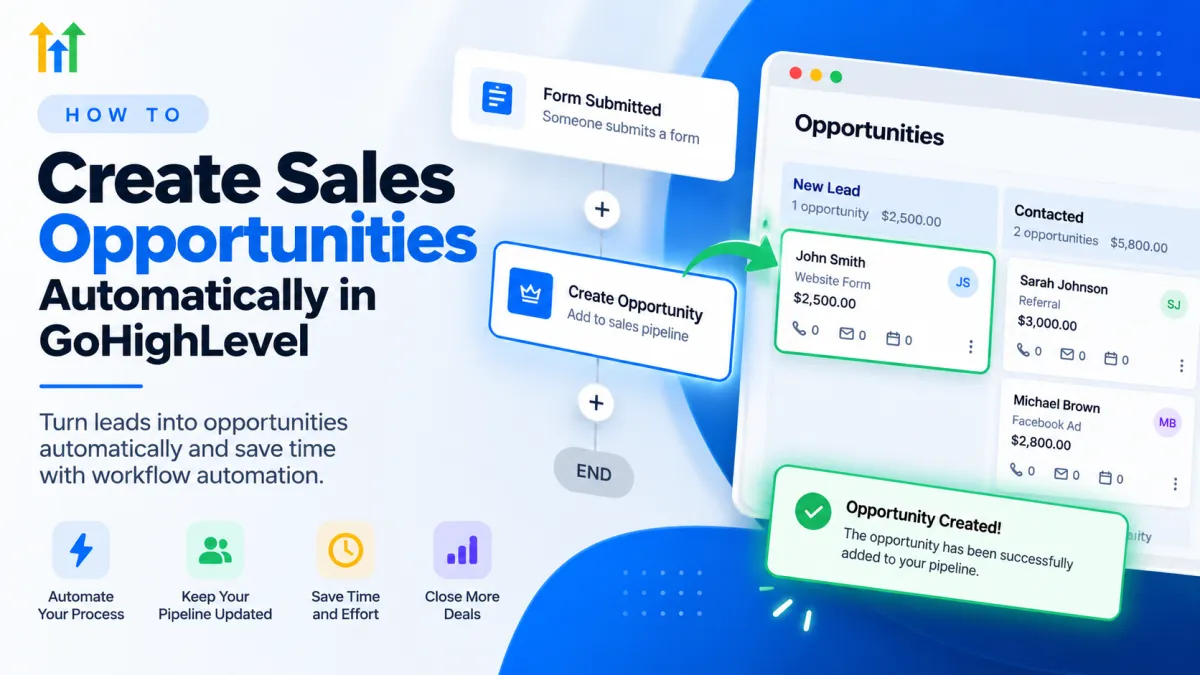
How to Create Opportunities Automatically in GoHighLevel

How to Create Opportunities Automatically in GoHighLevel

How to Create Opportunities Automatically in GoHighLevelWispcode Team
Published on: 20/09/2026

Learn how to use the GoHighLevel Create Opportunity Action to automatically turn qualified leads into sales opportunities and organize them in the right pipeline stage.

GoHighLevel Create Opportunity ActionCreate Opportunity in GoHighLevelGoHighLevel opportunitiesGoHighLevel sales pipelineGoHighLevel workflow automationGoHighLevel CRM automationopportunity management in GoHighLevelsales pipeline automationGHL workflows
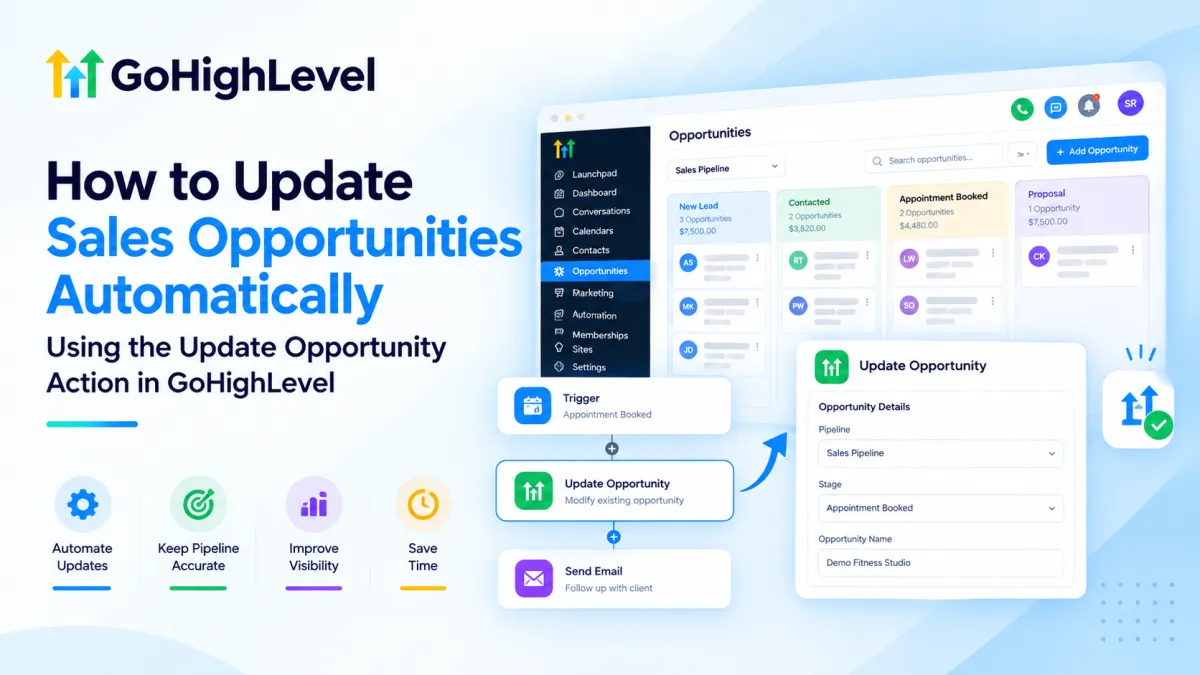
How to Update Sales Opportunities Automatically in GoHighLevel

How to Update Sales Opportunities Automatically in GoHighLevel

How to Update Sales Opportunities Automatically in GoHighLevelWispcode Team
Published on: 17/09/2026

Learn how to use the Update Opportunity action in GoHighLevel to automate sales pipeline updates, reduce manual CRM tasks, and maintain accurate opportunity records.

GoHighLevel Update Opportunity ActionGoHighLevel CRM AutomationGoHighLevel WorkflowGoHighLevel Opportunity Automationsales pipeline automationCRM opportunity managementGoHighLevel sales automationWispcode
Know the Moment a Deal Changes, Not the Week After

Know the Moment a Deal Changes, Not the Week After

Know the Moment a Deal Changes, Not the Week AfterWispcode Team
Published on: 12/08/2026

How the Opportunity Changed trigger in GoHighLevel reacts the second a deal is updated. Filters, operators, custom field support and the automations worth building on it.

Apportunity changed triggerGoHighLevel opportunity automationsales pipeline automationopportunity custom fieldslead value triggerworkflow filter operators

At Wispcode, we deliver pioneering digital engineering strategies that empower businesses to grow with confidence.

Get in touch with us

Email:

Phone:

Hours: 24/7 available

Copyright @2026 Wispcode. All Rights reserved.